
In a world where distractions lurk behind every notification, staying productive can feel like an Olympic sport. Luckily, iPhone users have a treasure trove of productivity apps at their fingertips. These digital sidekicks not only help keep chaos at bay but also transform mundane tasks into manageable missions.
Productivity Apps for iPhone
Productivity apps serve as essential tools that help iPhone users streamline their tasks and increase efficiency. These applications cater to a broad range of needs, including task management, time tracking, and note-taking. Users looking for organization benefit from apps like Todoist, which allows them to create and categorize tasks seamlessly.
Collaboration tools such as Trello and Asana are available, enabling teams to track projects and share updates in real time. Additionally, calendar applications like Fantastical help users manage schedules and set reminders, ensuring no deadlines go unnoticed.
One critical factor in choosing a productivity app involves considering its integration capabilities. Many iPhone productivity apps connect with other platforms, enhancing user experience by minimizing the need for switching between applications. For instance, Evernote syncs across devices, allowing access to notes anytime.
Another important aspect focuses on user interface and experience. Applications designed with intuitive layouts promote better engagement, making it simpler for users to navigate. Apple’s native Reminders app exemplifies this with its straightforward design, making task management easier for anyone.
Performance optimization also plays a significant role. High-performing apps respond quickly, enabling users to focus on their tasks without frustration. Apps frequently updated with new features maintain their relevance, ensuring users receive the most effective tools.
IPhone productivity apps provide various solutions tailored to enhance task management and organization. Choosing the right app involves evaluating functionality, integration, and user experience to create a customized productivity environment.
Top Productivity Apps for iPhone
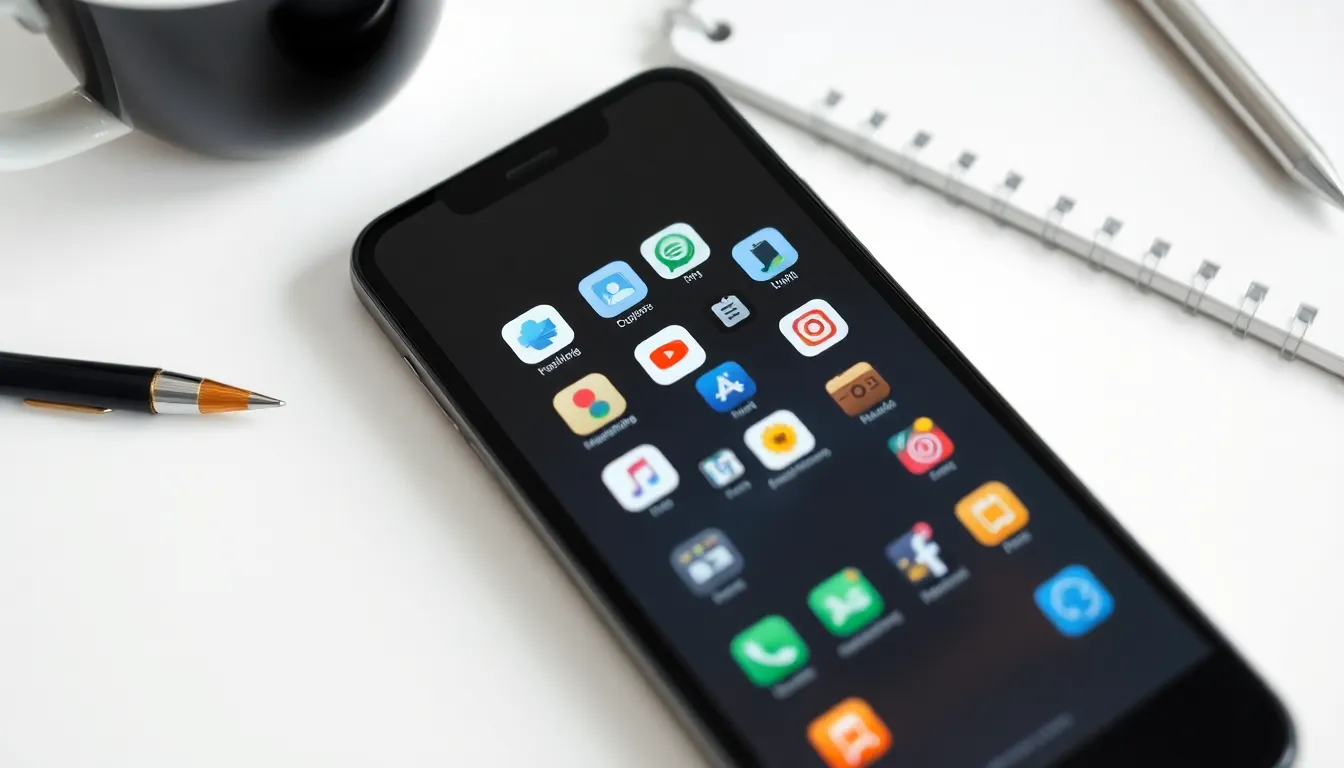
Productivity apps play a crucial role in enhancing efficiency for iPhone users. The following applications stand out for their features and benefits.
App 1: Features and Benefits
Todoist makes task management simple. Users can create projects, assign deadlines, and prioritize tasks effortlessly. Integration with other applications, such as Google Calendar and Dropbox, enhances collaboration. The user-friendly interface accommodates both beginners and advanced users. Notifications help users stay on track, especially for critical deadlines. Moreover, Todoist’s recurring tasks option assists with ongoing projects efficiently.
App 2: Features and Benefits
Trello offers a flexible approach to project management. It utilizes boards, lists, and cards to organize projects visually. Team members can comment, attach files, and assign tasks directly within each card. Customizable workflows adapt to individual project needs seamlessly. Automation through Butler allows users to create rules that streamline tasks further. Trello also integrates well with other services like Slack, enhancing communication within teams.
App 3: Features and Benefits
Fantastical shines in calendar management. Users can view their schedules in different formats, including day, week, and month. Natural language input simplifies event creation, allowing users to type phrases like “Lunch with Tom next Tuesday.” This app includes reminders and alerts to ensure important events are not missed. Syncing across devices ensures access to schedules anytime, anywhere. Additionally, users can integrate tasks from Todoist, centralizing productivity efforts effectively.
Comparing Productivity Apps for iPhone
Evaluating various productivity apps for iPhone reveals key differences in user experience and pricing models. Understanding these factors helps users optimize their productivity effectively.
User Experience
User experience varies significantly among productivity apps. Todoist stands out with its intuitive interface, enabling users to navigate easily through tasks and projects. Trello’s visual design allows for a flexible workflow, making project management enjoyable. Fantastical simplifies calendar management by offering natural language input, enhancing accessibility. Seamless integration across devices becomes a vital aspect, ensuring continuity for users. Each app prioritizes performance and design, ultimately contributing to higher user engagement and satisfaction.
Pricing Models
Pricing models for productivity apps cater to diverse user needs. Todoist offers a free version with basic features, while its premium subscription unlocks advanced capabilities like labels and reminders at $3 per month or $36 annually. Trello operates on a freemium model, granting access to essential tools and charging for additional features with their Business Class plan at $10 per user monthly. Fantastical follows a one-time purchase model alongside a subscription option priced at $4.99 monthly or $39.99 annually. Users can select pricing that suits their budget while maximizing app functionality.
Tips for Maximizing Productivity with Apps
Prioritize tasks by using features like deadlines and project colors in Todoist. Organizing projects into manageable sections enhances clarity and focus. Streamlining workflows with Trello’s boards and cards offers a visual approach that many users find effective. Employing automation features can save time and reduce repetitive tasks.
Set reminders consistently to manage time effectively. Calendar management in Fantastical allows for easy event creation using natural language. Viewing schedules in different formats helps users quickly adapt their plans. Syncing capabilities ensure that all devices remain updated, minimizing the chance of missed deadlines.
Utilize collaboration tools within these apps to enhance teamwork. Trello facilitates communication with the team through comments and shared boards. Todoist also supports project sharing, making it easier for teams to keep track of tasks and progress.
Monitor progress regularly to identify areas for improvement. Productivity apps often provide analytics, helping users understand productivity patterns. Adjustments based on this data can lead to more efficient task completion.
Integrating multiple apps can boost overall productivity. Using automation tools like Zapier can link Todoist with other apps, streamlining data flow. This integration reduces the need to switch between different applications, making task management smoother.
Experiment with settings and functionalities within each app. Customization options can tailor the experience to individual preferences. Testing different features helps users find the optimal setup for their workflows.
Engaging with tutorials or support resources can enhance understanding. Most productivity apps have helpful guides or community forums that provide additional insights. Utilizing these resources leads to a better grasp of all available tools.
Conclusion
Finding the right productivity app can transform how iPhone users manage their tasks and time. With options like Todoist, Trello, and Fantastical, individuals can tailor their approach to suit their unique needs. These tools not only enhance organization but also foster collaboration and streamline workflows.
By integrating these apps into daily routines and utilizing their features effectively, users can significantly boost their productivity. Experimenting with different settings and taking advantage of available resources can lead to a more efficient and satisfying experience. Ultimately, the right productivity app can make a substantial difference in staying focused and achieving goals.